
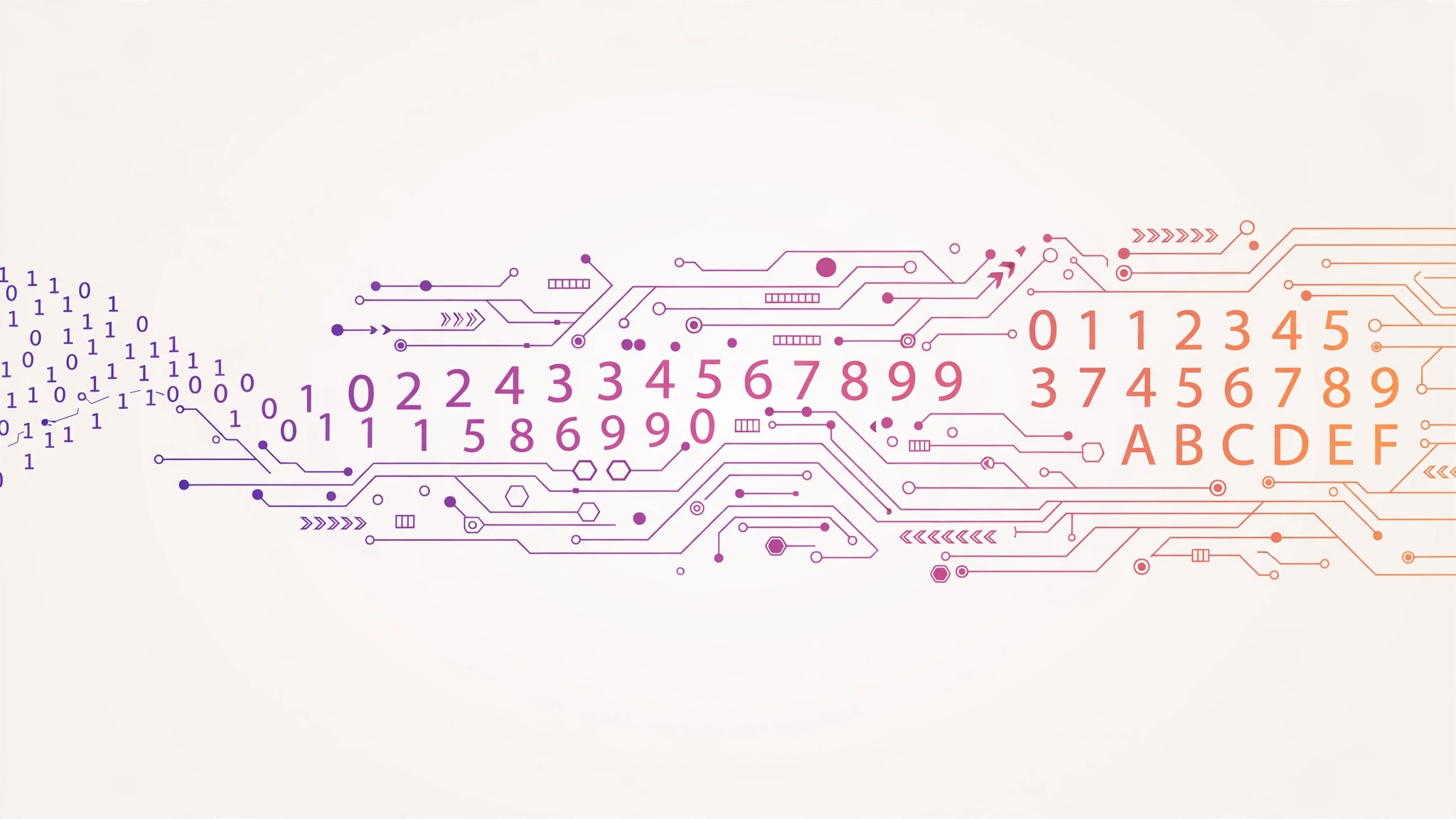
What you can do with this tool
- Read a hex colour in plain numbers: 0xFF is 255 — the colour picker stops looking like a code.
- Check a binary value in decimal: 1010 is 10, and now you know why.
- Work with bytes and bits: powers of two explain file sizes, memory and colours.
- Debug code faster: switch between binary, octal, decimal and hex in one place.
It takes seconds — and the rest of this guide shows you how each base really works.
Use the free Number Base Converter: convert numbers between binary, octal, decimal and hexadecimal instantly — open the converter →
📌 Key takeaways
- The formula: value = digit × base^position, summed.
- 0xFF is 255: and 1010₂ is 10.
- 2¹⁰ is 1,024: powers of two are the backbone of binary.
- 16,777,216 RGB colours: come from 2²⁴ — eight bits per channel.
💻 Number Base — at a glance
The key numbers from this guide, in one place.
1What a number base actually is (start from zero)
Count on your fingers: 1, 2, 3… 9, and then you're out of digits, so you start a new column and write 10. That "ten digits, then a new column" system is called base 10 (decimal), and the only reason we use it is that humans have ten fingers. It's a biological accident, not a mathematical law.
A base is simply how many distinct digits you get before rolling over to a new column. Base 2 (binary) gives you two digits — 0 and 1 — so counting goes 0, 1, 10, 11, 100… Base 16 (hexadecimal) gives you sixteen digits — 0–9 plus A–F — so counting goes 0…9, A, B, C, D, E, F, 10 (which means sixteen).
The deep point: the quantity doesn't change, only the writing does. Ten apples are ten apples whether you write "10" (decimal), "1010" (binary), "12" (octal) or "A" (hex). Bases are languages, not numbers. Once that clicks, converting is just translation.
Each column in any base is worth the base raised to a power. In decimal, the columns are worth 1, 10, 100, 1000… In binary, they're worth 1, 2, 4, 8, 16… That's the entire machinery — everything else in this guide is that idea, applied.
2How it works
A number base is just how many digits you count with before you carry. Here is how to move between them.
Step 1 — Learn the four bases that matter. Binary is base 2 (digits 0–1), octal is base 8, decimal is base 10, and hexadecimal is base 16 (digits 0–9 plus A–F). Computers live in binary; humans live in decimal; hex is the bridge.
Step 2 — Read a number by place value. Each digit is worth digit × base^position, added up. So 1010 in binary is 1×8 + 0×4 + 1×2 + 0×1 = 10 in decimal, and 0xFF in hex is 15×16 + 15 = 255.
Step 3 — Go the other way by dividing. To turn decimal into binary, divide by 2 and keep the remainders, then read them bottom to top. Ten divided down gives 1010.
Step 4 — Spot hex in the wild. Colours on the web are hex — #FF5733 is three pairs of hex digits for red, green and blue — and memory addresses in code start with 0x. Once you see the pattern, you will see it everywhere.
3The four bases that matter
Dozens of bases exist mathematically, but in practice you'll meet exactly four:
| Base | Name | Digits | Where you meet it |
|---|---|---|---|
| 2 | Binary | 0, 1 | Inside every computer — the hardware's native language |
| 8 | Octal | 0–7 | Unix file permissions (like chmod 755) |
| 10 | Decimal | 0–9 | Everyday life — prices, ages, phone numbers |
| 16 | Hexadecimal | 0–9, A–F | Color codes, memory addresses, MAC addresses |
Binary: the machine's mother tongue
Two digits, endless combinations. A single binary digit is a bit; eight bits are a byte. Everything digital — your photos, your messages, this article — is stored as long strings of bits. Binary is verbose for humans (255 is eight digits: 11111111) but perfect for hardware.
Octal: the quiet survivor
Base 8 groups bits in threes — one octal digit per 3 bits. It was popular on early computers with 12-bit and 24-bit words, and it survives today in one famous place: Unix file permissions. When you type chmod 755, those three octal digits each encode three permission bits (read/write/execute) for owner, group, and others.
Hexadecimal: binary's readable costume
Base 16 groups bits in fours — one hex digit per 4 bits (a nibble), two hex digits per byte. That's why hex won over octal: bytes are 8 bits, and 8 divides evenly by 4 but not by 3. FF is instantly readable where 11111111 is a wall of digits.

4A short history of number bases
Counting in tens feels natural because we have ten fingers, but it is not the only way. The Babylonians counted in base 60, which is why we still have 60 minutes in an hour and 360 degrees in a circle. The Maya counted in base 20, fingers and toes together.
Binary — base 2 — was written down by Gottfried Leibniz in 1703, in a paper that showed all of arithmetic could be done with just 0 and 1. Nobody had much use for it until George Boole built a logic on true and false in 1854, and electrical engineers in the 1930s and 1940s realised that a switch, on or off, is a binary digit.
Hexadecimal came with computing in the 1950s and 1960s, as a shorthand for binary: one hex digit stands for exactly four bits, so a byte is two hex digits. That is why colours, memory addresses and file formats are written in hex today — it is binary, made readable.
5Why computers love binary (and why humans don't)
Computers use binary because hardware is simplest with two states. A transistor is either on or off; a voltage is either high or low; a magnetic spot points either north or south. Building a reliable component with exactly two states is cheap and robust. Building one with ten distinct, reliably distinguishable states is an engineering nightmare.
So everything — text, images, music, video — gets encoded as patterns of bits. The letter "A" is 01000001. A pixel's redness is a number from 0 to 255. Your voice on a call is thousands of amplitude samples per second, each a binary number. It's all just on/off patterns, interpreted by agreement.
Humans hate binary because it's unreadable at scale. Is 1011011010110100 a big number or a small one? You can't tell at a glance. That's why programmers use hex as the human interface to binary: B6B4 carries the same information in a quarter of the digits, and each hex digit maps to exactly 4 bits, so translation is mechanical.
The powers of two are worth knowing by heart — they show up constantly in computing, from RAM sizes to file limits:
| Power | Value | You'll meet it as |
|---|---|---|
| 2¹⁰ | 1,024 | ~1 thousand — the old "K" |
| 2¹⁶ | 65,536 | Max 16-bit value + 1 |
| 2²⁰ | 1,048,576 | ~1 million — the old "M" |
| 2²⁴ | 16,777,216 | Number of RGB colors |
| 2³⁰ | 1,073,741,824 | ~1 billion — the old "G" |
| 2³² | 4,294,967,296 | Max 32-bit value + 1 (the famous 4 GB limit) |
6Converting by hand: the exact methods
Two directions, two methods. Learn them once and you'll never feel lost in a hex dump again.
To decimal: multiply by place values and add
Write the place values (powers of the base) under each digit, multiply, and add. In binary the places are 1, 2, 4, 8…; in hex they're 1, 16, 256…
From decimal: divide by the base, keep remainders
Divide the number by the target base, write down the remainder, repeat with the quotient — then read the remainders bottom-to-top (last remainder first).
1111 1111 → F F. No division needed — this is the trick programmers actually use.7Reference: 0–20 in all four bases
The Rosetta Stone of number bases. Notice how binary explodes in length while hex stays compact:
| Decimal | Binary | Octal | Hex |
|---|---|---|---|
| 0 | 0 | 0 | 0 |
| 1 | 1 | 1 | 1 |
| 2 | 10 | 2 | 2 |
| 3 | 11 | 3 | 3 |
| 4 | 100 | 4 | 4 |
| 5 | 101 | 5 | 5 |
| 6 | 110 | 6 | 6 |
| 7 | 111 | 7 | 7 |
| 8 | 1000 | 10 | 8 |
| 9 | 1001 | 11 | 9 |
| 10 | 1010 | 12 | A |
| 11 | 1011 | 13 | B |
| 12 | 1100 | 14 | C |
| 13 | 1101 | 15 | D |
| 14 | 1110 | 16 | E |
| 15 | 1111 | 17 | F |
| 16 | 10000 | 20 | 10 |
| 17 | 10001 | 21 | 11 |
| 18 | 10010 | 22 | 12 |
| 19 | 10011 | 23 | 13 |
| 20 | 10100 | 24 | 14 |
Two landmarks to memorize: 15 = F (the biggest single hex digit, four 1-bits) and 255 = FF (the biggest byte). Between them you can sanity-check almost any conversion.
8Hex in the wild: colors, addresses, and 0x
Hexadecimal is the one non-decimal base ordinary people meet regularly — usually without realizing it:
- Color codes.
#FF5733is three hex bytes: FF red, 57 green, 33 blue. Every color picker, every CSS file, every design tool speaks hex. - Memory addresses. Debuggers and crash reports show addresses like
0x7ffee4b8— hex keeps long binary addresses readable. - MAC addresses. Your network hardware's ID looks like
3C:22:FB:91:A0:5D— six hex bytes. - Unicode. That emoji you just sent is code point U+1F600 — hex again.
- File permissions. The octal survivor:
chmod 755on a server, where each digit is three permission bits.
The 0x prefix is how code marks a number as hexadecimal: 0xFF means "hex FF" (255), not the letters F-F. You'll see it in C, Python, JavaScript and Rust — anywhere programmers write raw values and need to be unambiguous about the base. (Some contexts use a trailing h instead, like FFh in assembly.)
9Common mistakes to avoid
- Reading remainders top-to-bottom. In the divide-by-base method, the last remainder is the leftmost digit. Reading them in order gives you the number backwards.
- Forgetting hex digits go past 9. A=10, B=11, C=12, D=13, E=14, F=15. A remainder of 13 is the digit D, not "13".
- Mixing up 0xFF and "FF". In code,
0xFFis the number 255; a bareFFin most languages is a variable name or an error. The prefix matters. - Assuming leading zeros don't matter.
007and7are the same value, but in fixed-width contexts (like a byte shown as0F) the zero carries meaning about width. - Confusing octal 10 with decimal 10. Octal 10 is eight. Always note the base — that's what the subscripts (1010₂, FF₁₆) are for.
10Pro tips
- Binary ↔ hex via nibbles: group bits in fours from the right; each group is one hex digit. Fastest conversion there is.
- Memorize the landmarks: 1111₂ = F₁₆ = 15, 11111111₂ = FF₁₆ = 255. Most real-world conversions sit near these.
- Powers of two, doubled: 1, 2, 4, 8, 16, 32, 64, 128, 256… — say them until they're reflex. They're the place values of binary.
- When in doubt, go through decimal. Weird base → decimal → target base always works, even if it's not the fastest route.
Convert any base in seconds
Binary, octal, decimal, hexadecimal — convert between all four instantly, with every value shown at once. Free, private, no signup.
🔢 Open the Number Base Converter100% free · No account · Private by Qevryn
11Frequently asked questions
What is hexadecimal used for?
Hexadecimal is a compact way to write binary data: one hex digit represents exactly 4 bits. It's used for color codes (#FF5733), memory addresses, MAC addresses, and anywhere programmers need to read raw bytes comfortably.
Why do computers use binary?
Because hardware is simplest with two states: on/off, high/low voltage. A transistor holding one of two states is reliable and cheap to build. Everything a computer does — text, images, video — is ultimately encoded as patterns of these two states.
How do I convert binary to decimal?
Multiply each bit by its place value (powers of 2, right to left: 1, 2, 4, 8…) and add. 1010₂ = 1×8 + 0×4 + 1×2 + 0×1 = 10. The converter does it instantly, but the method is worth learning once.
What is the difference between octal and hexadecimal?
Both are shorthands for binary: octal groups bits in threes (one octal digit = 3 bits), hexadecimal groups them in fours (one hex digit = 4 bits). Hex won because 4-bit groups (nibbles) align perfectly with 8-bit bytes.
What does the 0x prefix mean?
0x marks a number as hexadecimal in code — 0xFF means hex FF (255 in decimal), not the letters F-F. You'll see it in C, Python, JavaScript and CSS-adjacent contexts wherever programmers write raw values.
Why is 255 the maximum value of one byte?
A byte is 8 bits, and the largest 8-bit pattern (11111111₂) equals 255 in decimal — or FF in hex. That's why 255 shows up everywhere: color channels, network masks, and old game scores all max out at 255.
iLoveUnit is a Qevryn product — free, private, no signup.
Keep exploring
Number bases power the digital world — these tools live in it:
Related guides
More step-by-step guides on this topic: