
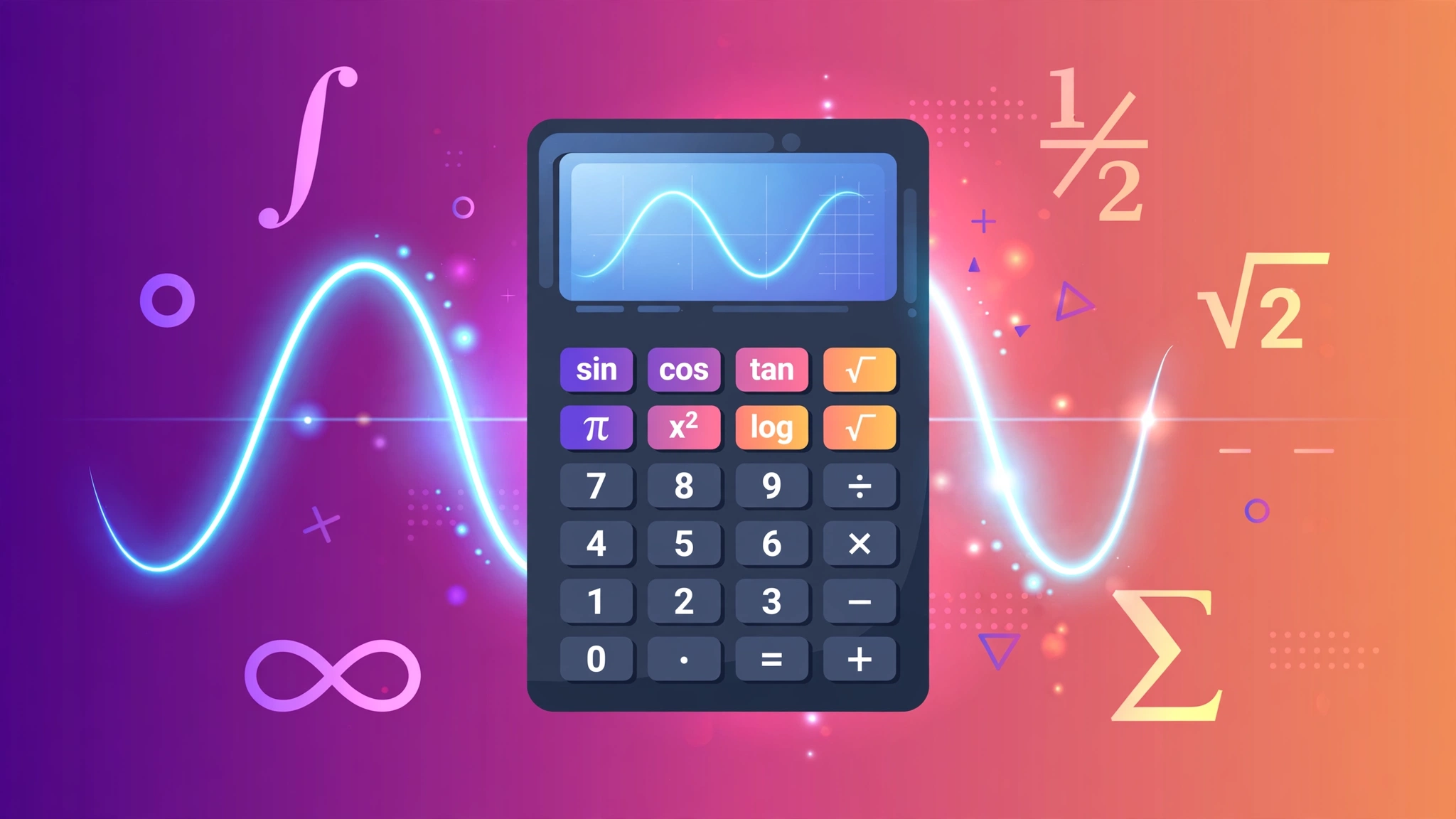
1What makes a calculator "scientific"?
Your phone's basic calculator does four things: add, subtract, multiply, divide. A scientific calculator does all of that plus the math of science and engineering class: trigonometry (sin, cos, tan), logarithms, powers and roots, the constants π and e, factorials, and parentheses for building real expressions. It's the difference between a butter knife and a chef's knife — same drawer, very different jobs.
If you took the classic route, you bought a physical one in high school — probably a chunky Casio or TI with sin, cos, tan across the top and π tucked in a corner. This page recreates that classic layout as a free web tool, with one modern upgrade: it runs entirely in your browser, so nothing you type ever leaves your device, and the URL saves your expression so you can share or revisit a calculation with a link.
Who actually needs one? Students in algebra, geometry, physics and chemistry; engineers sizing beams and circuits; surveyors, pilots, programmers and anyone whose math grew past arithmetic. But honestly, the line is blurrier than that — the moment you need a square root, a percentage of a percentage, or the sine of an angle, you've outgrown the basic four-function calculator.
This guide walks through every part of the tool the way you'd learn it from a friend who actually uses one: what each button does, the order rules that govern everything, the traps that produce wrong answers, and the shortcuts that make you fast.
2Order of operations: the one rule that governs everything
Every scientific calculator — ours, your phone's, a $100 graphing calculator — evaluates expressions using the same pecking order, the one you learned as PEMDAS (or BODMAS outside the US):
- Parentheses first
- Exponents (powers and roots)
- Multiplication and Division (left to right)
- Addition and Subtraction (left to right)
This is where most "the calculator is wrong" complaints come from — the calculator followed the rules; the human didn't. When in doubt, add parentheses. They're free, they make your intent visible, and they eliminate an entire category of errors. Writing (2+3)×4 instead of trusting yourself to remember the precedence is not weakness; it's engineering.
One more subtlety: multiplication and division have equal rank, so they run left to right. 12 ÷ 3 × 2 = (12 ÷ 3) × 2 = 8, not 12 ÷ 6 = 2. Same for addition and subtraction. When operators tie, direction decides.
One more precedence gotcha: unary minus — the negative sign in front of a number. −3² is −9 on most calculators (the power applies before the negation: −(3²)), which surprises people expecting 9. If you mean (−3)², write the parentheses. Ambiguity is the enemy; parentheses are the cure.
3Trigonometry: sin, cos, tan — and the degrees question
The sin, cos and tan keys compute the trigonometric ratios of an angle — the relationships between the sides of a right triangle. They answer questions like: a 30-meter ladder leans against a wall at 60°… how high does it reach? (30 × sin(60°) ≈ 25.98 m.) Roofers, navigators, game developers and physics students use these daily.
The single most important setting on any scientific calculator is degrees vs radians. Both measure angles; degrees split a circle into 360, radians use the circle's own geometry (2π per full turn). Our calculator — like the pocket calculators most people grew up with — uses degrees by default. So sin(30) = 0.5 here, exactly as you'd expect.
| Angle | sin | cos | tan | Where you'd meet it |
|---|---|---|---|---|
| 0° | 0 | 1 | 0 | Flat ground reference |
| 30° | 0.5 | 0.866 | 0.577 | Standard roof pitch, ramps |
| 45° | 0.707 | 0.707 | 1 | Diagonal bracing, 45° miters |
| 60° | 0.866 | 0.5 | 1.732 | Steep roofs, ladder angles |
| 90° | 1 | 0 | undefined | Vertical walls (tan blows up!) |
Memorize 30-45-60 and you'll recognize half the trig problems in textbooks. And remember tan(90°) is undefined — the calculator will tell you so with an error, which is correct behavior, not a bug (more on errors in section 8).
4Logarithms, powers and roots
This cluster of keys handles everything involving growth, scaling and undoing multiplication:
- x², x³, x^y — powers. 2^10 = 1024 (handy for computing: 2^10 ≈ 10^3 is the approximation behind kilobytes). Compound interest, population growth and pandemics all run on powers.
- √ (square root) — undoes squaring. √(144) = 12. You'll use it for distances (Pythagoras), standard deviations and anywhere a square needs unwrapping.
- ∛ and y√x — cube roots and nth roots, the same idea generalized. ∛27 = 3.
- log (base 10) — "10 to what power gives this?" log(1000) = 3. Scientists use it for pH, decibels and Richter magnitudes — all logarithmic scales.
- ln (natural log, base e) — the mathematician's favorite, base e ≈ 2.71828. Continuous growth, calculus and half-life problems live here.
- e^x and 10^x — the inverse operations: they turn logs back into regular numbers.
One button deserves special mention: 2nd / Shift / INV — the key that flips other keys to their inverse functions. sin becomes sin⁻¹ (arcsine), x² becomes √x, log becomes 10ˣ. It doubles the calculator's vocabulary without doubling its size. If a key seems to be missing its opposite, check the 2nd function first — it's almost certainly hiding there.
5The constants: π, e, and why they're buttons
Two numbers are so fundamental they get their own keys. π (pi) ≈ 3.14159265… is the ratio of a circle's circumference to its diameter — it appears in every circle, sphere, wave and rotation calculation in existence. e ≈ 2.71828182… is the base of natural logarithms, the number that makes continuous growth math work cleanly.
Why buttons instead of typing 3.14? Precision. The calculator stores far more digits than it displays, so π in a calculation is accurate to the device's full precision — no rounding error from your typing. For a circle with radius 5: area = π × 25 ≈ 78.5398…, using the real π, not your 3.14 approximation. On multi-step calculations, those saved digits stop small errors from compounding.
Try this: type sin(30) + √(144) — it should give 0.5 + 12 = 12.5. One expression, trig plus a root plus addition, evaluated with correct precedence. That's the scientific calculator's home turf: mixed expressions you'd never attempt on a four-function calculator.
6The % key (and its famous quirk)
The % key divides by 100 — exactly like Google's calculator. 50% = 0.5. Simple. But there's a quirk that confuses everyone at least once: 200 + 10% gives 200.1 here, not 220.
Why? Because this calculator treats % purely as "÷100": 10% becomes 0.1, and 200 + 0.1 = 200.1. Retail and pocket calculators do something different — they interpret a trailing % as "percent of the running total," giving 200 + 20 = 220. Both behaviors are "correct" for their design; ours matches the programmer/Google convention. If you want 220 here, type 200 + 200×10% or just 200×1.1.
| What you type | What it means here | Result | If you wanted the retail behavior, type |
|---|---|---|---|
50% | 50 ÷ 100 | 0.5 | — |
200 + 10% | 200 + 0.1 | 200.1 | 200 + 200×10% → 220 |
80 − 25% | 80 − 0.25 | 79.75 | 80 − 80×25% → 60 |
150 × 20% | 150 × 0.2 | 30 | Same — multiplication is unambiguous |
The takeaway: % is just ÷100 with a fancy symbol. For "add 10% to a price" style problems, write the multiplication explicitly — it's clearer and it works identically on every calculator ever made.
7Keyboard shortcuts: doing it fast
Clicking buttons is fine, but the keyboard is where the tool gets fast. Everything works by typing directly:
- Digits and operators: type
0-9,+ - * / ^ %and parentheses straight in.^is the power key —2^10gives 1024. - Enter or = evaluates the expression.
- Backspace deletes the last character — for fixing a typo without starting over.
- Esc clears everything and starts fresh.
Keyboard input works anywhere on the page except inside form fields, so you can start typing the moment the page loads. And here's the part people love: the URL saves your expression. Work out (136×0.075)+18.5 for a tip-plus-tax calc, and the address bar holds the whole thing — bookmark it, send it to a friend, reopen it tomorrow. The page restores your expression exactly.
8When it says "Error": what went wrong
An "Error" message is the calculator refusing to guess — and it's almost always one of these:
- Mismatched parentheses —
(2+3with no closer. Count your open and close parens; they must pair up. - A function with no argument —
sin()or a dangling√with nothing under it. Every function needs its input. - log or ln of zero or a negative — logarithms are undefined there, in every math textbook ever written. ln(−5) isn't a calculator bug; it's a math fact.
- Square root of a negative — √(−9) needs imaginary numbers, which this calculator doesn't do. (The answer would be 3i, if you're curious.)
- Division by zero — 1 ÷ 0 has no answer. The calculator says so instead of inventing one.
- tan(90°) — undefined, as the trig table in section 3 showed. Correct behavior.
The fix is always the same: read the expression back, find the offending piece, fix it, and press = again. If an answer looks wrong but there's no error, suspect the two usual culprits — order of operations (add parentheses) and degrees vs radians. Between those and the error list above, you've covered roughly every "broken calculator" report ever filed.
Your pocket calculator, upgraded — free
Trig, logs, powers, roots, π and e with full keyboard support. Type expressions naturally; the URL saves your work.
∑ Open the Scientific Calculator100% free · No account · Private by design
9Frequently asked questions
What order of operations does this calculator use?
Standard PEMDAS/BODMAS: parentheses first, then powers (^), then multiplication and division, then addition and subtraction. So 2+3×4 = 14, while (2+3)×4 = 20. When in doubt, add parentheses.
Does it use degrees or radians?
Degrees — the unit most people expect on a pocket calculator. sin(30) = 0.5 here. If you need radians, convert first: radians = degrees × π ÷ 180.
What does the % key do?
It divides by 100, exactly like Google's calculator: 50% = 0.5. Note that 200+10% gives 200.1 here (10% → 0.1), not 220 — retail calculators treat a trailing % as "percent of the running total," which this one does not. For that, type 200+200×10%.
What keyboard shortcuts work?
Type digits, + - * / ^ % and parentheses directly; Enter (or =) evaluates, Backspace deletes the last character, Esc clears everything. Keyboard input works anywhere on the page except inside form fields.
Why did I get "Error"?
Usually a typo: mismatched parentheses like (2+3, a function without its argument, log or ln of zero or a negative number, or √ of a negative. Fix the expression and press = again.
Is my calculation private?
Yes. Everything is computed by JavaScript in your own browser — no keystroke or expression is ever sent to a server. The share link just encodes the expression in the URL.
Keep exploring
One calculator is rarely enough. These handle the jobs that come up next:
Related guides
More step-by-step guides on this topic: