
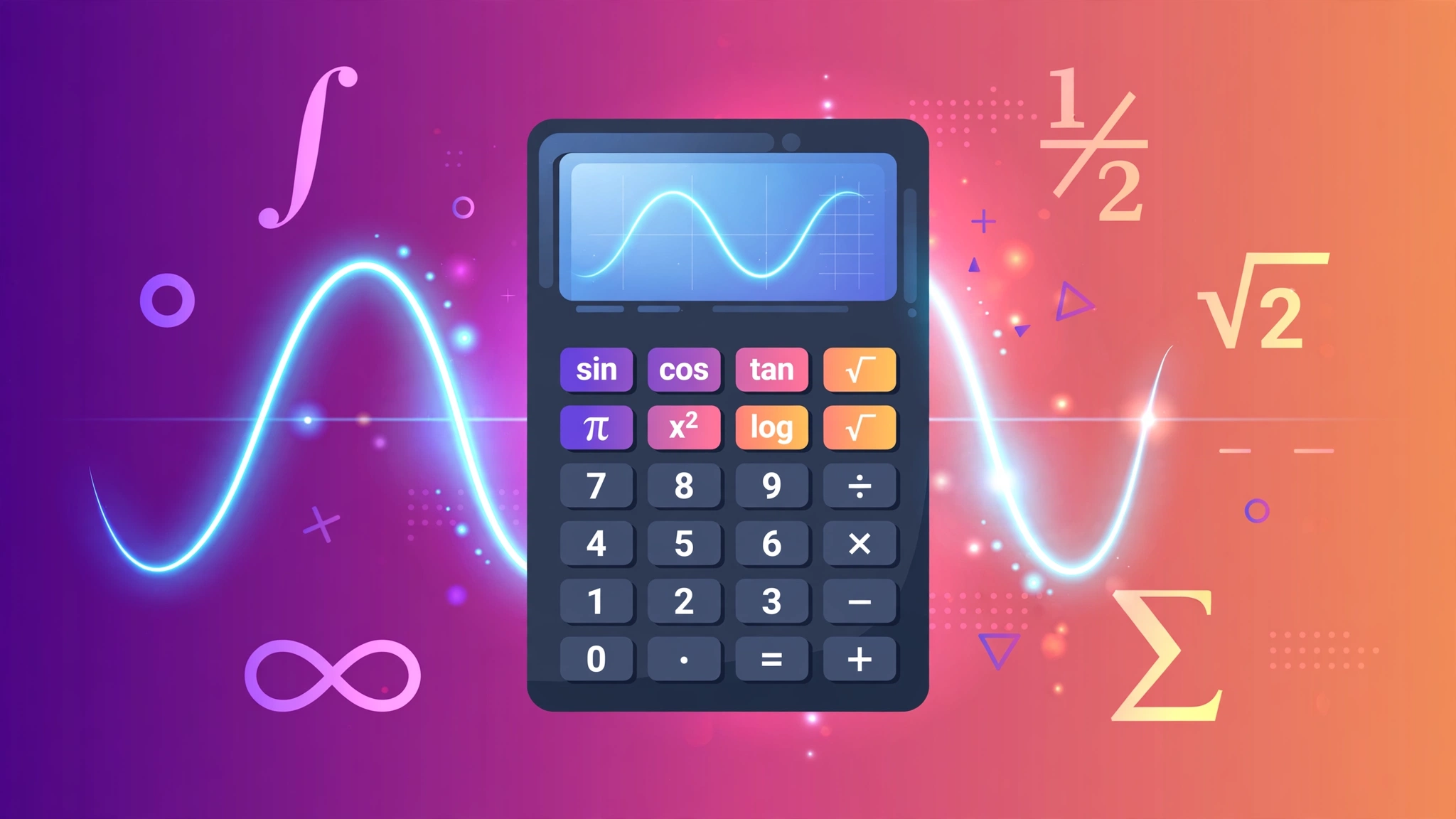
A real scientific calculator, in your browser
No app to install, no signup, nothing uploaded. This is a full scientific calculator: trigonometric functions in degrees, base-10 and natural logarithms, powers, roots, percentages, parentheses and the constants π and e — all computed locally on your device with a safe expression parser (never eval()).
Type an expression on your keyboard or tap the keypad. Try the example buttons above it: sin(30), √(144) and 2^10.
A short history of the scientific calculator
Before electronics, scientists computed with log tables and slide rules — a skilled engineer could multiply to three significant figures by sliding wood and brass. The revolution arrived in 1972 when Hewlett-Packard released the HP-35, the first pocket scientific calculator: it did trig, logs and powers for $395 (about $2,900 today) and made the slide rule obsolete within a few years.
Texas Instruments followed with affordable models that colonized classrooms worldwide, and the familiar keypad layout — sin, cos, tan across the top, π tucked in a corner — has barely changed since. This page recreates that classic layout, with one modern upgrade: degrees by default, because that is what most people expect.
How it works: expressions and examples
Your keystrokes are tokenized and evaluated by a small recursive-descent parser supporting + − × ÷ ^ %, unary minus, parentheses, sin cos tan (degrees), log ln √, and the constants π and e. Powers are right-associative, so 2^3^2 = 2^(3^2) = 512.
= 0.5 + 12 = 12.5
= 8 × 8 − 0.1 = 63.9
Function reference
Every key on the pad, explained:
| Key | What it does | Example |
|---|---|---|
| sin / cos / tan | Sine, cosine, tangent of an angle in degrees | sin(30) = 0.5 |
| log | Base-10 logarithm | log(1000) = 3 |
| ln | Natural logarithm (base e) | ln(e) = 1 |
| √ | Square root | √(144) = 12 |
| ^ | Power: x raised to y (right-associative) | 2^10 = 1024 |
| % | Percent: divides by 100 | 50% = 0.5 |
| π / e | Pi (≈ 3.1415926536) and Euler’s number (≈ 2.7182818285) | 2π ≈ 6.283 |
| ( ) | Parentheses override precedence | (2+3)×4 = 20 |
| +/− | Negates the whole current expression | 5 +/− → −(5) |
| C / ⌫ | Clear all / delete last character | — |
Try these: classic calculations
One-tap sanity checks that show off the parser:
The 30-60-90 triangle’s most famous ratio.
Why a kilobyte is 1,024 bytes.
A dozen, squared and un-squared.
Base-10 logs count the zeros.
The circle constant, to 10 decimals.
Euler’s number, base of natural logs.
Visual guide: anatomy of the keypad
The layout mirrors the classic pocket calculator: functions on top, digits in telephone order, operators on the right rail:
Figure: the classic scientific layout — functions across the top, digits in telephone order, operators down the right rail.
Common mistakes to avoid
Four ways even careful people trip up:
- Degrees vs. radians. This calculator uses degrees (sin(30) = 0.5). Many programming languages default to radians, where sin(30) ≈ −0.988 — a classic source of "wrong" answers.
- Skipping parentheses. 2+3×4 is 14, not 20. If you mean "add first," wrap it: (2+3)×4. The parser follows PEMDAS strictly.
- Assuming % works like a shop till. Here % just means ÷100, so 200+10% = 200.1, not 220. Retail calculators fold the percent into the running total; this one does not.
- Dividing by zero or rooting negatives. 1÷0 and √(−1) are undefined over the reals — you’ll get "Error." Check for a stray minus sign before assuming the math is broken.
Pro tips
Get fluent fast:
- Drive it from the keyboard. Digits, + − * / ^ % and parentheses all type straight in; Enter evaluates, Backspace fixes typos, Esc starts over.
- Chain with the last answer. After pressing =, typing an operator continues from the result — so you can do √(144) =, then × 2, without retyping 12.
- Wrap, don’t retype. The +/− key negates the entire current expression at once — handy for flipping the sign of a long calculation.
- Parenthesize powers. Because ^ is right-associative, 2^3^2 = 512. If you meant (2^3)^2 = 64, say so with parentheses — future-you will be grateful.
Printable cheat sheet
Print the function reference — what each key does, with an example — in one click:
Fun facts
- The HP-35 cost $395 in 1972 — about $2,900 today — and its success killed the slide rule within a few years of launch.
- "Sine" comes from a translation error. The Sanskrit jya (chord) became Arabic jiba, which was misread as jayb (pocket/fold) and translated into Latin as sinus — "bay" or "fold."
- 5318008. Turn a calculator upside down and the digits spell words — generations of students discovered "boobies" long before smartphones existed.
- π has been computed to trillions of digits, yet NASA uses only about 15 digits for interplanetary navigation — enough to compute Voyager’s position to within centimeters.
The complete guide
The guide covers order of operations, trig in degrees, logarithms, powers, constants, and the % key quirk.
Frequently asked questions
What order of operations does this calculator use?
Standard PEMDAS/BODMAS: parentheses first, then powers (^), then multiplication and division, then addition and subtraction. So 2+3×4 = 14, while (2+3)×4 = 20. When in doubt, add parentheses.
Does it use degrees or radians?
Degrees — the unit most people expect on a pocket calculator. sin(30) = 0.5 here. If you need radians, convert first: radians = degrees × π ÷ 180.
What does the % key do?
It divides by 100, exactly like Google's calculator: 50% = 0.5. Note that 200+10% gives 200.1 here (10% → 0.1), not 220 — retail calculators treat trailing % as “percent of the running total,” which this one does not.
What keyboard shortcuts work?
Type digits, + - * / ^ % and parentheses directly; Enter (or =) evaluates, Backspace deletes the last character, Esc clears everything. Keyboard input works anywhere on the page except inside form fields.
Why did I get “Error”?
Usually a typo: mismatched parentheses like (2+3, a function without its argument, log or ln of zero or a negative number, or √ of a negative. Fix the expression and press = again.
Is my calculation private?
Yes. Everything is computed by JavaScript in your own browser — no keystroke or expression is ever sent to a server. The share link just encodes the expression in the URL.
Related tools
Keep exploring — more calculators and converters: