
1What is PDF to JPG?
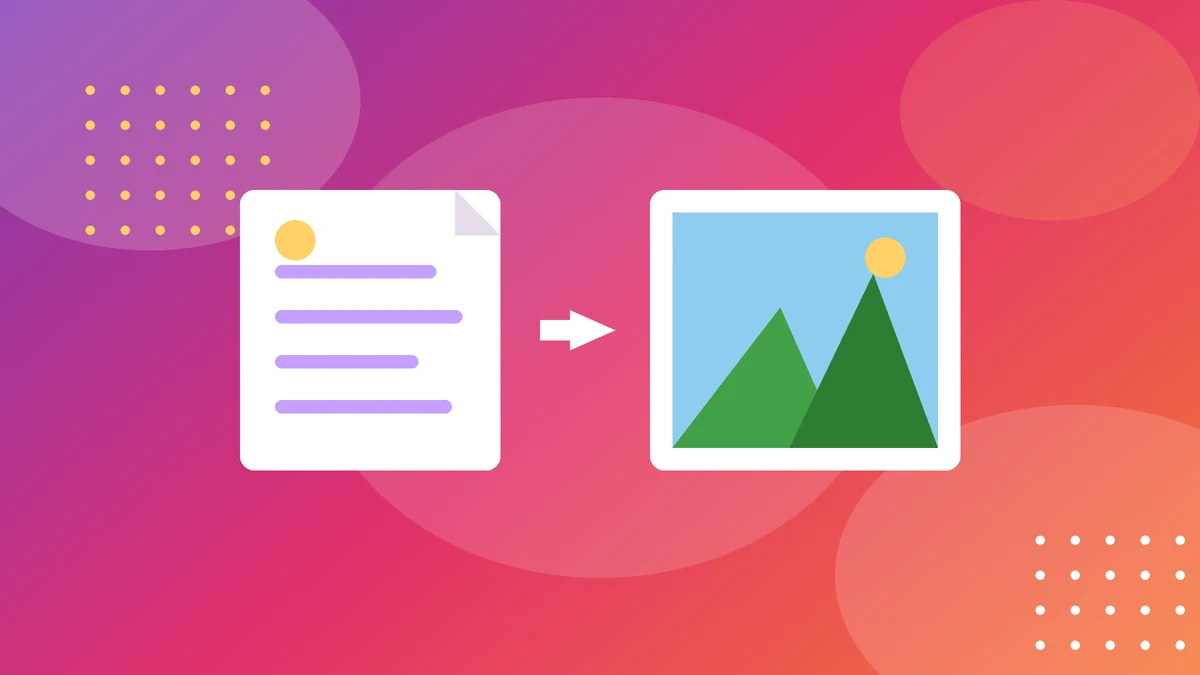
PDF to JPG converts each page of a PDF file into a JPG image. A 10-page PDF becomes 10 JPGs — one per page — that you can share on social media, drop into a slideshow, attach to a chat, or print as photos.
Why convert? Because many places do not accept PDFs. Social media posts, chat apps, websites and presentation tools all want images. A page of a PDF as a JPG can be posted, previewed and shared anywhere a photo can go — and anyone can open it without a PDF reader.
It also helps when you only need part of a document. Instead of sending a whole 40-page report, convert the one page that matters and share just that. And for scanned PDFs — which are really just images wrapped in a PDF — converting back to JPG gives you the original pictures to work with.
2How to use the tool
- Add your PDF. Drag it in or pick it from your device.
- Pick the pages. Convert all of them, or just the ones you need.
- Choose the quality. Higher DPI means sharper images and bigger files; lower DPI means smaller files. For screens, 150 DPI is usually plenty; for print, use 300 DPI.
- Download the JPGs. One image per page, ready to use. Your files never leave your browser.
If the text looks blurry, the DPI is too low. Re-run the page at a higher DPI rather than trying to sharpen a blurry image — a sharp conversion beats a fixed one every time.
3How the conversion works
There is no maths to learn, but the key idea is DPI — dots per inch. A PDF page is a drawing at a real size (usually A4), and converting it to an image means choosing how many pixels each inch becomes.
A4 at 150 DPI ≈ 1,240 × 1,754 pixels
A4 at 300 DPI ≈ 2,480 × 3,508 pixels
At 72 DPI an A4 page is only about 595 × 842 pixels — fine for a quick preview, blurry for anything else. At 150 DPI it is sharp on screens. At 300 DPI it is print quality. Higher DPI means bigger files, so pick the lowest DPI that looks good for your use.
JPG is a good choice for pages with photos or shading, because it compresses smoothly. For pages that are mostly sharp text and lines, PNG keeps edges crisper — but JPG files are smaller and work everywhere, which is why it is the default.
4Worked example: sharing one page
Dan has a 12-page report and wants to post the summary chart from page 3 on social media.
Step 2: He chooses 150 DPI — sharp on screens, small enough to upload.
Step 3: He downloads one JPG of about 400 KB and posts it.
If he had converted all 12 pages at 300 DPI, he would have 12 large files and a slow upload. Converting one page at the right DPI is faster and cleaner.
For print: the same page at 300 DPI becomes a 2,480 × 3,508 pixel image — good enough to print at A4 with crisp text. The file is bigger, around 1–2 MB, but for print that is the right trade.
5Common mistakes
- Using too low a DPI. A 72 DPI conversion looks fine as a thumbnail and terrible full-screen. For sharing, use at least 150 DPI.
- Converting every page when you need one. Twelve pages at high DPI is a big download for one useful image. Pick the pages you need.
- Expecting text to stay selectable. A JPG is a picture of the page, not the text itself. You cannot copy text out of it or search it. If you need the text, copy it from the PDF instead.
- Over-compressing. Saving the JPG at very low quality to shrink the file turns fine text into mush. Keep the quality high and the DPI sensible instead.
One more: converting a scanned PDF and expecting a clean image. A scan is already a picture — converting it back to JPG gives you the same picture, with the same blur and skew the scan had. Good input, good output.
6Tips for clean JPGs
- Match the DPI to the use. 150 for screens and sharing, 300 for print, 72 only for quick previews.
- Name the files clearly. "report-page-3.jpg" is findable; "image-1.jpg" is not.
- Check the text before sharing. Open the JPG at full size and read a line. If it is blurry now, it will be blurry for everyone.
- Keep the PDF too. A JPG is a picture of a page, not a replacement for the document. Keep the original PDF for the real record.
PDF to JPG is a small job, but it is the bridge between documents and the places that only accept pictures. Pick the right page, pick the right DPI, and the result looks like it was always an image.
7Putting it all together
Here is the habit to take away: match the DPI to the use — 150 for screens and sharing, 300 for print — and convert only the pages you need. Those two choices keep the files small, the text sharp, and the download quick.
And keep the PDF too. A JPG is a picture of a page, not a replacement for the document. The PDF holds the real text, the real order and the real record — the JPG is just the page's passport photo for places that only accept pictures.
Try the free PDF to JPG
Drop in your PDF, pick the pages and quality, and download JPGs — no signup, no upload.
Try the free PDF to JPG100% free · No account · Private by design
8Frequently asked questions
Is PDF to JPG free?
Yes — our tool is free, with no signup, and it runs in your browser, so your files are never uploaded to a server.
Will the JPG be as sharp as the PDF?
It depends on the DPI you choose. At 150 DPI the image is sharp on screens; at 300 DPI it is print quality. At 72 DPI it will look blurry full-screen.
Can I convert just one page?
Yes — pick the pages you need instead of converting the whole file. It is faster and the download is smaller.
Can I copy text from the JPG?
No. A JPG is a picture of the page, not the text itself. If you need the text, copy it from the PDF before converting.
What is the difference between JPG and PNG for PDF pages?
JPG files are smaller and best for pages with photos; PNG keeps sharp text and lines crisper but makes bigger files. For sharing, JPG is usually the right choice.
Keep exploring
These tools go well with the PDF to JPG:
Related guides
More step-by-step guides on this topic: